
Dev License: This installation of WHMCS is running under a Development License and is not authorized to be used for production use. Please report any cases of abuse to abuse@whmcs.com

Download

Setup

Open the Zimbra Desktop app.

You are now asked for the server address. Enter "zimbra.mydc.at" here. Make sure that "https://" appears in front of it (this should be the case by default).
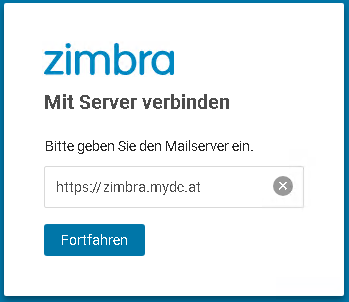
Server setting

You are then asked for your email address and password.
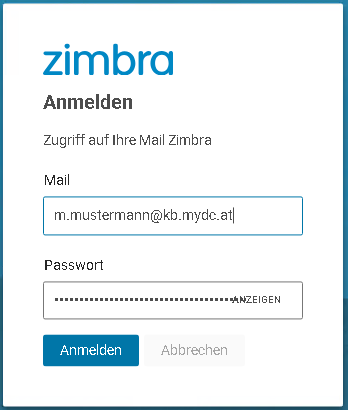
Credentials

After clicking "Sign In", you are taken to your mailbox.

Was this answer helpful? 0 Users Found This Useful (0 Votes)

Powered by WHMCompleteSolution